Knowing how to choose TV stand for your flat panel screen comes down to three things: the right size for your TV's base, enough weight capacity, and a style that suits your space. That's the core of it. While DigiLabsPro focuses on photography and visual creativity — browse our photography articles for camera reviews, lens guides, and editing tips — a solid display setup matters just as much when you're reviewing shots or watching content. Our complete guide on how to watch HD TV and movies online pairs well with everything covered here.
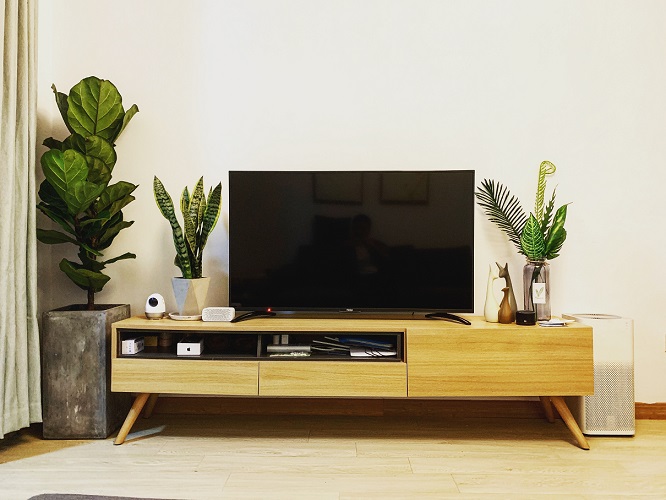
Your TV stand does more than hold a screen. It anchors your entire entertainment area, keeps your devices organized, and shapes how the room looks and feels. Choose wrong and you're dealing with a wobbly setup, tangled cables, or — in the worst case — a tipped television because nobody checked the weight rating before buying.
This guide walks you through every decision that matters: sizing, weight limits, stand types, myths worth ignoring, common post-setup problems, and how to keep your stand in great shape long-term. Whether this is your first flat panel stand or you're replacing a worn-out unit, you'll leave with a clear, confident plan.
Contents
Knowing how to choose TV stand specs is mostly about matching numbers to your actual television and your actual room. Most buyers skip this step entirely — and it's the one that causes the most problems. Start here before you look at styles or prices.
The golden rule: your stand should be at least as wide as your TV's base footprint — not the screen diagonal. A 65-inch TV might have feet spread 56 inches apart. If your stand is only 50 inches wide, those feet hang off the edge. That's a stability failure from day one.
A common mistake is buying a stand rated for 80 lbs and loading it with a 70 lb TV plus 15 lbs of gear. Always factor in everything that lives on or inside the unit, not just the television itself.
The center of your screen should sit at roughly eye level when you're seated. For most adults on a standard sofa, that's between 42 and 48 inches from the floor. Place the TV too high and you'll strain your neck during every session.
A stand with built-in shelving keeps devices off the floor and cables organized. Look for back-panel cutouts that allow cables to pass through cleanly. Open shelves provide better ventilation for electronics; closed cabinets hide clutter but can trap heat if airflow is restricted. If you rely on a streaming device, game console, or cable box, count how many shelves you actually need before choosing a minimalist stand with no storage at all.
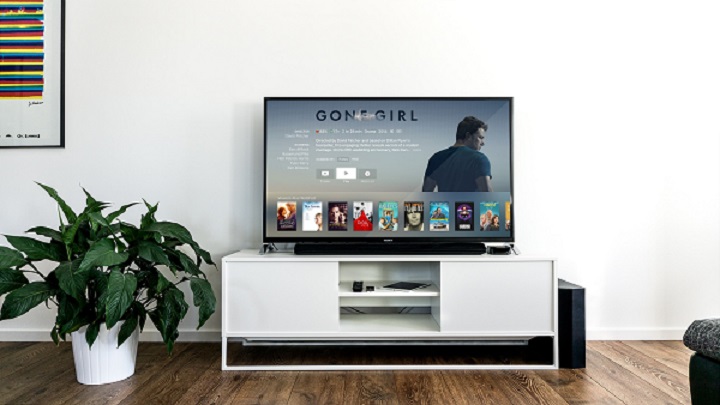
Both options work well — the right choice comes down to your room, your rental situation, and how much flexibility you want in your setup over the coming years.
A TV stand gives you flexibility that a wall mount simply cannot match. You can move it, reconfigure your devices, and reorganize the space entirely without touching a wall. For renters, that's a decisive advantage. For anyone who upgrades their TV or rearranges rooms every few years, a stand pays off repeatedly.
Pro tip: If you plan to upgrade your TV or rearrange your room within the next few years, a quality stand offers far more long-term flexibility than drilling a mount into a wall you may later need to patch.
A wall mount wins on pure space savings. If your room is tight or you want a clean, minimal aesthetic, mounting the TV frees up the floor completely. Full-motion (articulating) mounts let you tilt and swivel the screen to any angle — something a standard stand cannot fully replicate. The trade-offs are real, though: installation costs money and the wall anchor is permanent.
Not all stands are built the same. The style you choose affects storage capacity, room fit, and real-world stability. Use this table to narrow down your options before shopping.
| Stand Type | Best For | Storage | Stability | Avg. Price Range |
|---|---|---|---|---|
| Console / Media Center | Main living rooms, primary viewing areas | High (shelves + cabinets) | Excellent | $80–$400 |
| Corner Unit | Small or awkwardly shaped rooms | Moderate | Good | $60–$250 |
| Swivel / Rotating Stand | Open-plan spaces, flexible seating layouts | Low | Moderate | $50–$200 |
| Floating / Wall-Mounted Console | Modern, space-conscious interiors | Moderate | Excellent (wall-anchored) | $100–$350 |
| Mobile / Rolling Stand | Multi-room use, offices, classrooms | Low | Moderate | $40–$180 |
The console stand is the most popular choice for living rooms. It sits low to the ground, provides a wide surface for your TV, and includes shelving or cabinets for your devices. Most are built from engineered wood, solid wood, or a metal-and-glass combination — available in widths from 40 to 80 inches.
When shopping for a console, check that the shelf spacing accommodates your tallest device. A gaming console standing upright typically needs at least 8 inches of vertical clearance. Some consoles use fixed shelves; others are fully adjustable, which gives you more flexibility as your device collection changes.
Corner units make efficient use of otherwise wasted floor space. They're ideal for smaller rooms where the TV needs visibility from multiple seating angles. The triangular footprint fits cleanly into corners, and many models provide comparable storage to a standard console stand.
Swivel stands take a different approach entirely. Rather than a fixed position, they let you rotate the TV horizontally — particularly useful in open-plan spaces where seating is spread out. Flat-panel displays have become significantly lighter in recent years, making swivel stands more stable and practical than earlier versions. The trade-off is reduced storage compared to a console.

Bad information slows down buying decisions and causes expensive return trips. Here are the two myths most worth clearing up before you spend anything.
This is the most costly myth in the category. People assume that a stand labeled "for TVs up to 65 inches" will automatically hold their 65-inch television. That's not how compatibility works. TV manufacturers build base feet in completely different configurations. Some use a wide V-shaped spread; others use a narrow central pedestal. A stand with shelf slots spaced 28 inches apart won't work for a TV whose feet are 38 inches apart — even if both products are technically sized for the same screen.
Always measure your TV's actual foot or leg span before buying, not just the screen diagonal. This single measurement eliminates the majority of compatibility problems and return trips.
Heavier does not equal stable. A heavy stand with a narrow base can still tip if the design is poor. What actually determines stability is the width-to-height ratio and whether the weight rating matches your television and devices. A lighter stand with a broad, low-slung base outperforms a heavy, tall unit every time. Look at the center-of-gravity design — not the shipping weight in the product specs.
Safety note: Always attach your stand to the wall with the anti-tip strap included with most units — especially if children or pets are in the home. Even a properly rated stand can tip under unexpected lateral force.
Even the right stand causes frustration if something goes wrong during or after assembly. These are the problems buyers report most often — and exactly how to fix each one.
If your stand wobbles after assembly, the cause is almost always one of three things:
If the wobble persists after all three checks, go back to the instruction manual. A reversed back panel or a missed bracket during assembly is a surprisingly common error that's easy to overlook when you're rushing through the build.
Cable chaos makes a stand look messy and restricts airflow around your electronics. Group cables as you route them: power cords together, HDMI cables together, audio cables together. Velcro cable ties cost almost nothing and make an immediate visible difference to the setup.
If your devices are running hotter than expected, check that closed cabinet doors aren't sealing in warm air during heavy use. Leave doors open during extended sessions, or confirm the stand's back panel has ventilation cutouts built in. Once your setup is fully organized, our guide on how to program a Dish remote to a soundbar is a practical next step for completing your audio setup without adding more cable clutter.
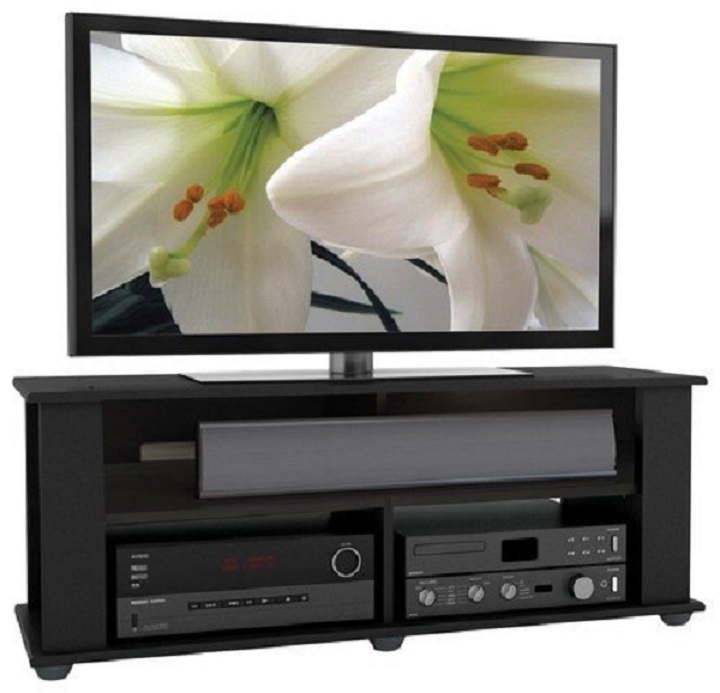
A quality TV stand lasts a decade or more with basic care. The material determines your cleaning method, and a few consistent habits prevent most long-term damage before it starts.
Using the wrong cleaner damages a finish faster than normal wear would. Match your method to the material:
The biggest threats to a TV stand's lifespan are moisture, overloading, and direct sunlight. Keep stands away from humidifiers, rainy open windows, and any position where UV light hits the surface for extended hours each day. Sunlight fades both wood finishes and painted surfaces faster than almost any other factor.
Place felt pads under every device to prevent surface scratches when you move gear around. When you need to reposition the stand itself, always lift it — dragging across hard floors damages both the flooring and the stand's feet. A well-maintained stand holds its structural integrity and appearance far longer than one that's cleaned inconsistently or loaded beyond its rated capacity.
Choosing the right flat panel TV stand is a straightforward process once you know what to measure and what to ignore. Start with your TV's actual leg span and weight, match those numbers to a stand that fits your room and storage needs, and you'll avoid almost every common buying mistake. Grab a tape measure, write down your specs, and head to a furniture or electronics retailer ready to compare — your setup will feel immediately more stable, organized, and intentional from the moment you put it in place.


About Editorial Team
The DigiLabsPro editorial team covers cameras, lenses, photography gear, and creative technology with a focus on helping photographers make informed buying decisions. Our reviews and guides draw on hands-on testing and research across a wide range of equipment, from entry-level beginner kits to professional-grade systems.
You can get FREE Gifts. Or latest Free phones here.
Disable Ad block to reveal all the info. Once done, hit a button below
