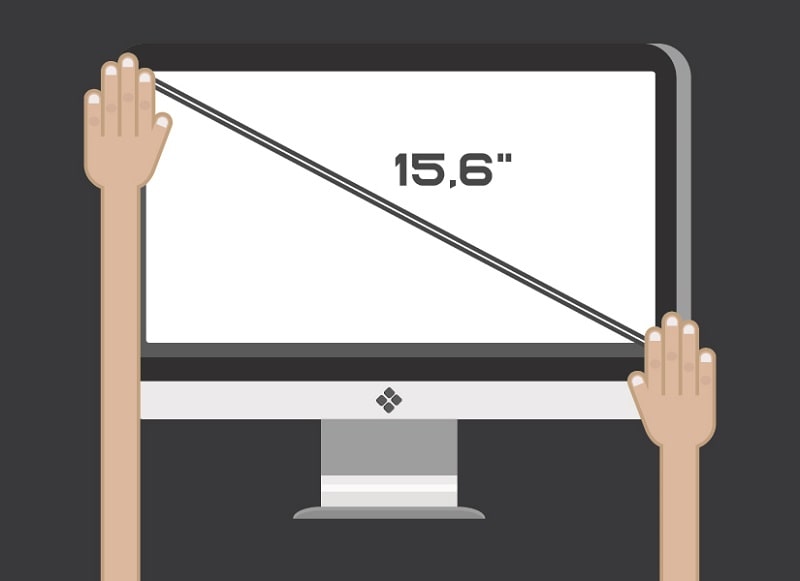
To measure TV screen size, place a tape measure at the top-left corner of the viewable screen and extend it diagonally to the bottom-right corner — the bezel is never included in that measurement. That diagonal inch figure is the number you'll see advertised on every TV box and product listing. Knowing exactly how to measure TV screen size matters more than it sounds, especially when you're buying online, planning a room layout, or trying to fit a specific TV into existing furniture. If you're also building out a complete home entertainment setup, our guide on the best TV antenna boosters is worth reading alongside this one.
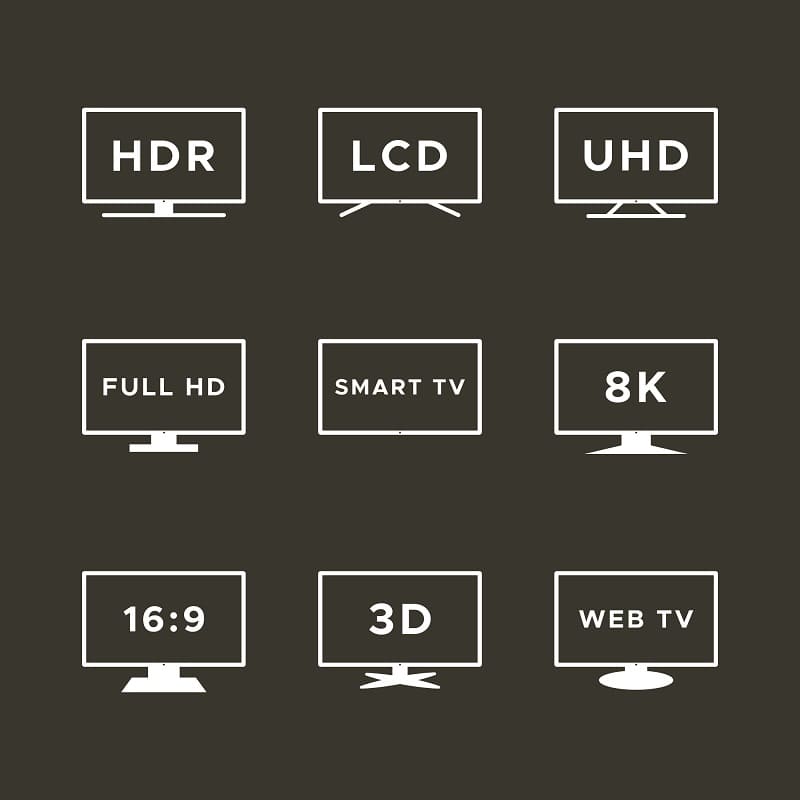
Here's where most people get tripped up: the advertised screen size only describes the display panel itself, not the physical TV. Once you add the bezel, the casing, and the stand, you're dealing with a significantly larger footprint. A 55-inch TV can measure anywhere from 48 to 50 inches wide depending on the brand and model year. That extra few inches is the difference between a TV that slides cleanly into a media console and one that doesn't fit at all.
This guide walks through everything you need — the right tools, the exact measurement steps, practical tips for avoiding common errors, and the specific situations where getting these numbers right changes your decision.
Contents
TV screens are rectangular, so measuring them by width or height alone would require two numbers every time — awkward for marketing and comparison. The diagonal solves that with a single figure that scales proportionally across different aspect ratios. This convention traces back to the era of round cathode ray tubes, where the diagonal of the glass tube described the usable display area. The diagonal measurement stuck because it works — one number lets you compare screens of any size side by side without doing extra math.
According to Wikipedia's overview of display size, screen size has been defined as the diagonal measurement since the earliest television standards, and that convention carries straight through to modern flat panels, monitors, and projector screens. It's one of those conventions the industry standardized early and never had reason to change.
For photographers and visual creatives, understanding this convention is useful beyond TVs — it applies the same way to camera-connected monitors and display screens used for color-accurate photo review. You can find more display-focused content in our photography articles section.

Aspect ratio describes the proportional relationship between a screen's width and height. Nearly every modern TV uses a 16:9 widescreen ratio, which means for any given diagonal size, the width and height stay in a predictable fixed relationship. Knowing this lets you estimate physical dimensions from the diagonal alone using basic geometry — without needing the spec sheet.
A 55-inch 16:9 TV, for example, is approximately 47.9 inches wide and 27 inches tall. You can verify any manufacturer's listed dimensions against those ratios — if they don't add up, double-check the spec sheet.
You don't need anything specialized. A standard retractable tape measure handles every dimension you'll need — and it's better than a fabric sewing tape, which tends to sag mid-span on larger screens.
If you're shopping online and don't have the TV physically in front of you, manufacturer spec sheets almost always list exact dimensions broken out by screen diagonal, overall width (with and without stand), total height, and depth. These are worth downloading or bookmarking before you commit to a purchase. Some smartphone ruler apps can give approximate measurements if you have the TV but no tape measure — accurate enough for a quick sanity check, not precise enough for cabinet fitting or wall mount planning.
This is the measurement that matches what the manufacturer advertises — the screen diagonal. Follow these steps exactly:
Exclude the bezel every time, without exception. Even a slim half-inch border changes your number enough to cause a mismatch with the spec sheet. The bezel stays out — that's the universal standard across every TV brand and size.
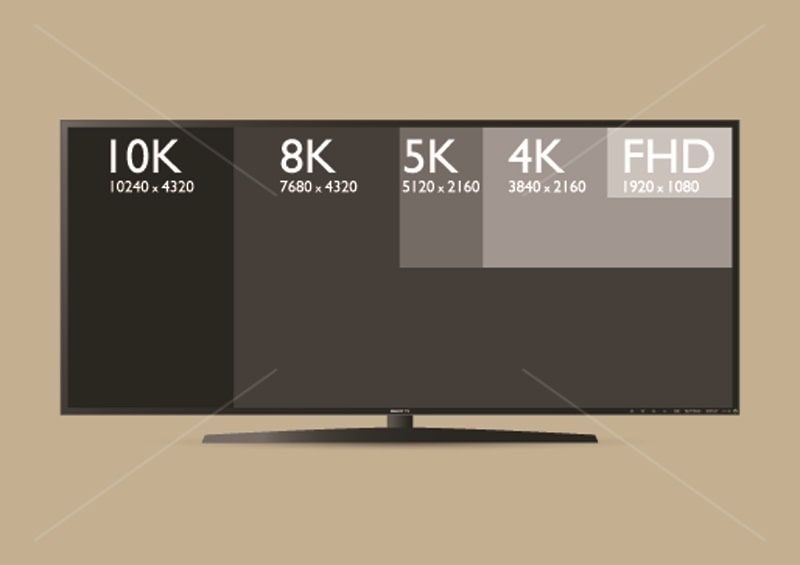
For placement and clearance purposes, you need the physical TV dimensions — not just the screen diagonal. Take each of these measurements separately and record them all:
Here's a reference table for approximate physical dimensions by common screen size, based on a standard 16:9 ratio with a slim modern bezel:
| Screen Size (diagonal) | Width (approx.) | Height without stand (approx.) | Min. recommended shelf depth |
|---|---|---|---|
| 32 inches | 28.1 in (71.4 cm) | 15.8 in (40.1 cm) | 4–5 in (10–13 cm) |
| 43 inches | 37.5 in (95.3 cm) | 21.2 in (53.8 cm) | 4–5 in (10–13 cm) |
| 55 inches | 47.9 in (121.7 cm) | 27.0 in (68.6 cm) | 4–6 in (10–15 cm) |
| 65 inches | 56.7 in (144.0 cm) | 31.9 in (81.0 cm) | 4–6 in (10–15 cm) |
| 75 inches | 65.4 in (166.1 cm) | 36.8 in (93.5 cm) | 5–6 in (13–15 cm) |
| 85 inches | 74.1 in (188.2 cm) | 41.7 in (105.9 cm) | 5–7 in (13–18 cm) |
These figures are approximate and vary by manufacturer. Always confirm with the spec sheet for the exact model you're buying before ordering a mount or furniture.
A handful of missteps show up repeatedly when people measure their TVs for the first time:
If you're working in centimeters, multiply any inch measurement by 2.54 to convert. A 55-inch screen diagonal equals approximately 139.7 cm. You can also double-check your measurements using the Pythagorean theorem: if you know the screen's width and height, the diagonal equals the square root of (width² + height²). If your calculated diagonal doesn't match your measured diagonal, re-measure — the math rarely lies, and a mismatch usually means you accidentally included part of the bezel.
The most common scenario where a precise measurement prevents an expensive mistake: buying a TV before verifying it fits in your existing media console. TV furniture is typically rated by maximum screen diagonal — a "fits up to 65 inches" claim refers to the screen, not the physical TV width. Measure the interior width of your furniture, then check the physical width spec of the specific model you're buying. Those two numbers need to match, with some clearance to spare for airflow.
Wall mounts have both a maximum screen size rating and a VESA pattern specification — the distance between the four mounting holes on the back of the TV. Both need to match your TV's specs before you order a mount. The VESA pattern is listed in the product manual and is entirely separate from screen size.
If you're also planning a multi-display workstation alongside your TV, our guide to the best triple monitor stands covers how to think through spacing, ergonomics, and display sizing for setups that go beyond a single screen.
Screen size and viewing distance are directly linked. Sit too close to a large screen and you'll see individual pixels and constantly shift your gaze to take in the full image. Sit too far from a small one and detail gets lost, especially in subtitles and on-screen text. For 4K TVs, a widely used guideline is to multiply the screen diagonal by 1.0 to 1.5 to get the ideal seating range — so a 55-inch TV works well between 55 and 82 inches (roughly 4.5 to 7 feet) from your couch.
If streaming is your primary use case, display optimization matters as much as screen size. Our review of the best laptops for streaming movies takes a similar angle — matching screen size and resolution to the actual viewing context rather than just maximizing specs.
A larger screen improves the viewing experience when your room and seating distance can support it. For sports, action films, and high-resolution 4K content, extra screen real estate makes a genuine difference. Communal viewing — multiple people spread across a couch — also benefits from larger displays, since everyone stays within a comfortable viewing angle.
Going too large for your room creates genuine problems. Sitting within four feet of a 75-inch screen means your eyes are constantly moving just to take in a single shot — that's fatiguing and ruins the experience. Bright rooms with strong natural light can also wash out large screens, undermining resolution advantages that look great in a showroom but not in your specific space.
Room geometry matters as much as personal preference. A 43-inch TV in a compact bedroom often delivers a better viewing experience than a 65-inch screen crammed into the same space. Measure your room, apply the viewing distance formula, and let that guide your decision — rather than letting screen size aspirations override what your space can actually support.
The right TV size is the one that fits your room, not just the one that fills it.


About Editorial Team
The DigiLabsPro editorial team covers cameras, lenses, photography gear, and creative technology with a focus on helping photographers make informed buying decisions. Our reviews and guides draw on hands-on testing and research across a wide range of equipment, from entry-level beginner kits to professional-grade systems.
You can get FREE Gifts. Or latest Free phones here.
Disable Ad block to reveal all the info. Once done, hit a button below
