Have you ever settled onto your couch for a long movie session, only to end up with a stiff neck before the credits roll? The problem almost certainly comes down to placement. Understanding how high to mount TV is one of the most overlooked yet critical decisions in any home setup — and the answer is grounded in ergonomic science, not guesswork. Get it right and every seat in the room becomes comfortable. Get it wrong and you're fighting your furniture every time you sit down. At DigiLabsPro, we explore all things visual — from camera rigs to display setups — across our photography articles, and this guide gives you the precise formula to nail your TV mount on the first try.

The foundational rule is straightforward: the center of your TV screen should align with your seated eye level, which falls between 42 and 48 inches from the floor for the average adult in a standard chair or sofa. That number is your anchor. Your TV size, viewing distance, room type, and mount style all feed into the final adjustment — but that baseline keeps you from making the most painful mistake in home theater setup.
This guide walks you through every variable, from selecting the right hardware before you drill a single hole to diagnosing and correcting a TV that's already installed at the wrong height. By the end, you'll know exactly where to position your screen — and why.
Contents
Before you pick up a drill, you need the right mount for your specific TV and wall type. There are three primary categories: fixed mounts (no movement, lowest profile), tilting mounts (angled up or down to reduce glare and correct for height), and full-motion articulating mounts (swing out, pan, and tilt for maximum flexibility). For most living room setups, a tilting mount is the smart middle ground — it stays close to the wall while giving you the angle correction that makes height errors forgiving. Check out our detailed guide on how to mount a TV on the wall without studs if you're working with drywall anchors instead of stud-based installation.
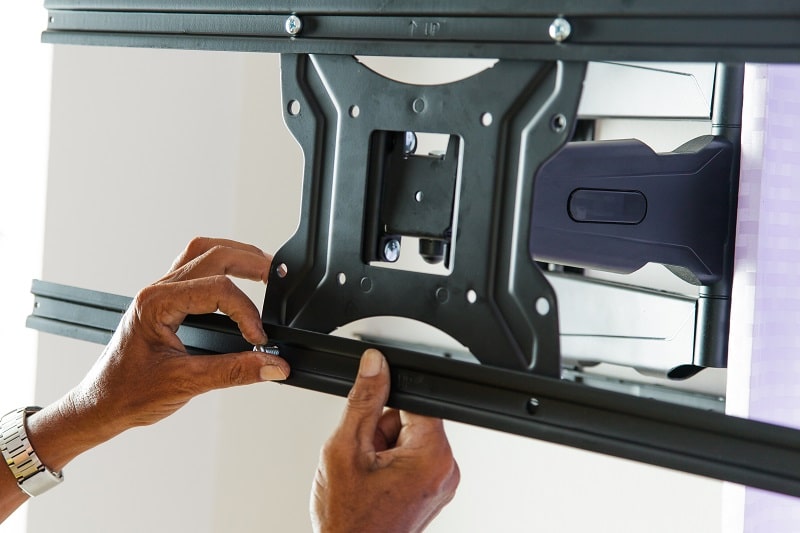
Grab a tape measure before you touch the mount. You need three numbers: the height of your seated eye level (have someone measure from the floor to your eye while you're sitting normally), the height of your TV screen (the screen itself, not the full unit), and the distance from your seating position to the wall. These three measurements feed directly into your mounting calculation. Without them, you're guessing — and a wrong guess means filling old holes and redrilling.
| TV Screen Size | Screen Height (approx.) | Recommended Mount Center Height | Suggested Viewing Distance |
|---|---|---|---|
| 32 inches | 16 inches | 40–44 inches | 4–5 feet |
| 43 inches | 21 inches | 42–46 inches | 5.5–7 feet |
| 55 inches | 27 inches | 43–47 inches | 7–9 feet |
| 65 inches | 32 inches | 44–48 inches | 8–10 feet |
| 75 inches | 37 inches | 46–50 inches | 10–13 feet |
| 85 inches | 42 inches | 48–52 inches | 12–14 feet |
Here's the calculation that makes everything else fall into place. Measure your seated eye level — for most adults on a standard sofa, this is approximately 43 to 45 inches from the floor. That number becomes the center point of your TV screen. To find where to drill, take that center height and subtract half your TV's screen height. The result is where the bottom edge of your screen will sit. Add the VESA mounting hole offset from there, and you have your drill mark. It's a three-step calculation, and it takes less than five minutes to run.
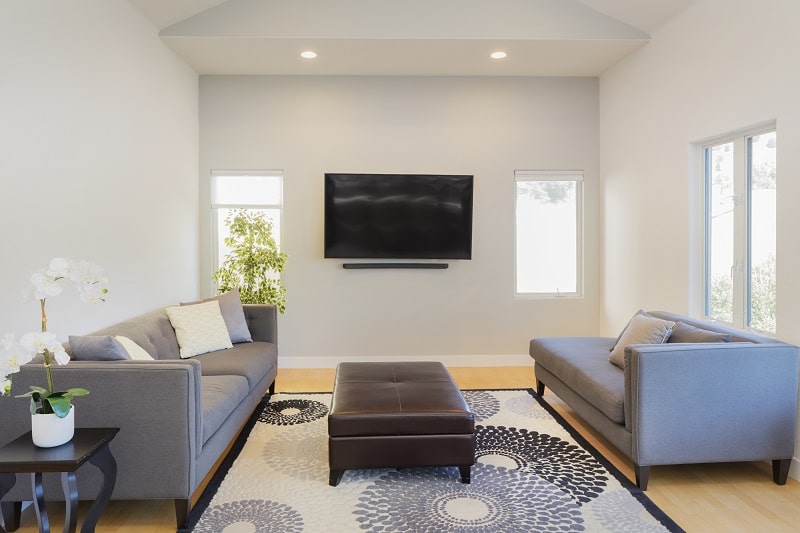
Larger screens require a slight upward adjustment to the mount center — not because the formula changes, but because a 75-inch screen extends significantly above and below that center point, and you need to confirm the top edge doesn't hit the ceiling or feel overwhelming from close range. For screens 65 inches and larger, add 2 to 4 inches above the base calculation and verify the viewing angle with a ergonomic assessment before finalizing your mount position. The numbers in the table above account for this adjustment across common TV sizes.
Height and distance are linked. If you sit too close to a large screen, even a perfectly mounted TV will cause eye strain. The widely accepted guideline is to sit at a distance equal to 1.5 times the diagonal screen size — so for a 65-inch TV, your optimal seating distance is roughly 97 inches, or about 8 feet. Viewing distance directly influences how high the TV should feel, because a screen that looks centered from 8 feet away may feel too high or too low from 12 feet. Always calculate distance and height together, not independently.
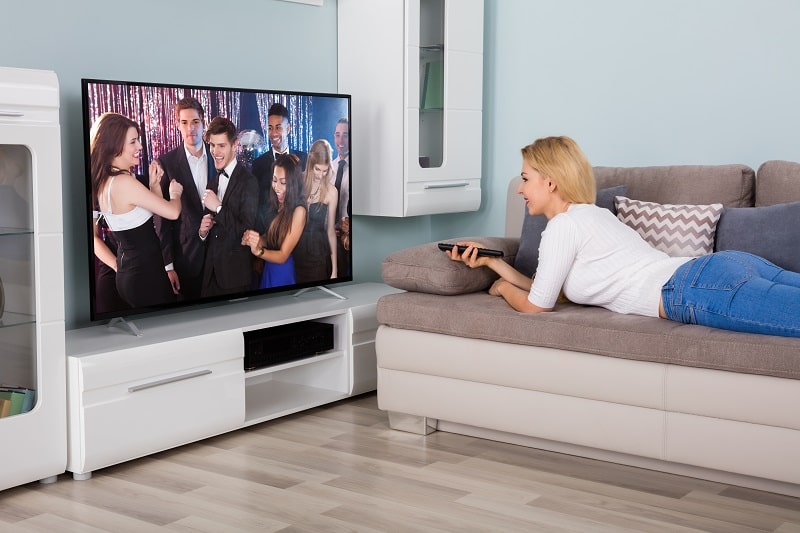
4K panels let you sit closer than 1080p without visible pixelation, which effectively shortens your optimal viewing distance. A shorter distance means your seating height changes relative to the screen. If you've upgraded from a 1080p to a 4K set and moved your seating forward by two feet, re-run your height calculation — it may need a small downward correction. Resolution isn't just about picture sharpness; it shapes the entire geometry of your setup.
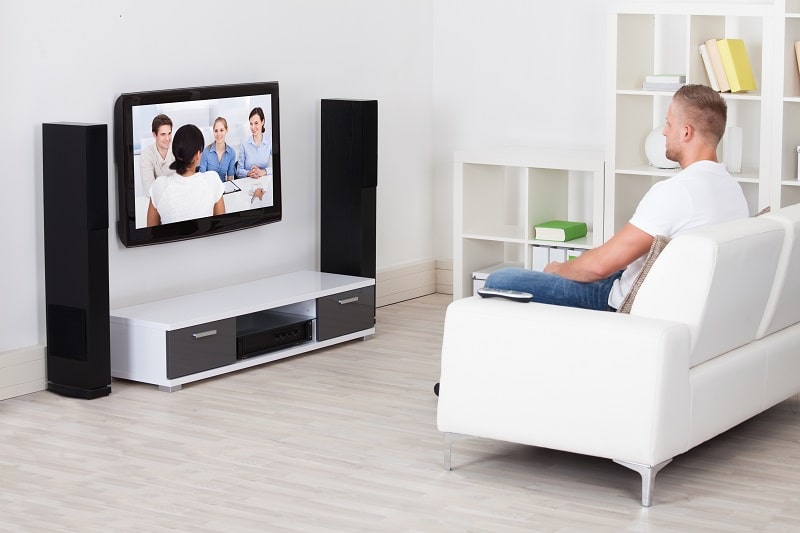
The living room is where the seated-eye-level rule applies most cleanly. Your primary seating — typically a sofa — defines the target height. If you have multiple seating rows or a sectional that wraps around the room, aim for the midpoint of your most-used viewing position. Never optimize for a secondary seat at the expense of the primary one. A tilting mount solves a lot of multi-seat challenges because you can angle the screen slightly downward for close viewers without changing the physical mount height.
Bedrooms require a different approach entirely. When you watch from bed, your eye level is higher than when seated on a couch — reclining against pillows typically puts your eyes at 50 to 55 inches from the floor. That means your bedroom TV should be mounted 3 to 5 inches higher than a living room TV of the same size. If the room doubles as a workspace, consider whether a flat panel TV stand gives you more flexibility than a fixed wall mount. Alternatively, browse creative TV stand ideas if you're not committed to wall mounting at all.
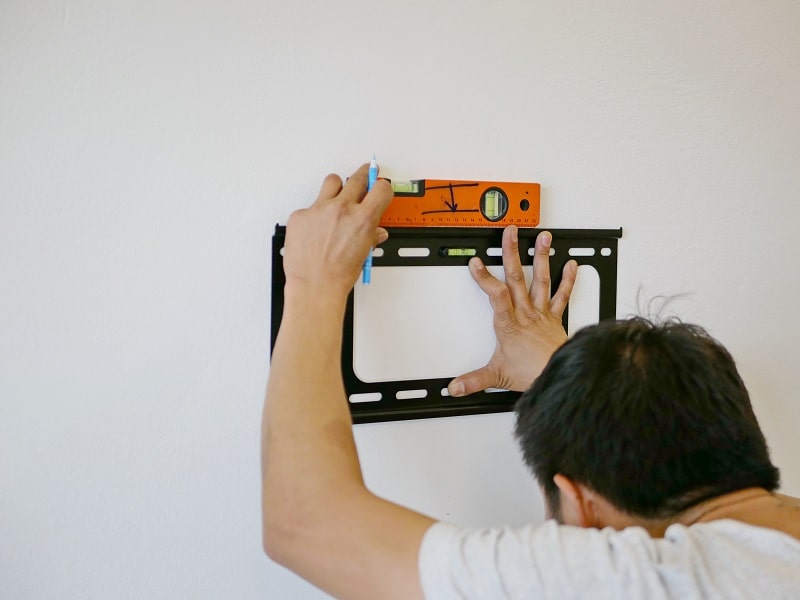
Once you commit to a height, you're also committing to a cable route. Plan your wire management before you drill — not after. In-wall cable conduit kits are inexpensive and make the difference between a clean finish and a wall full of exposed cords. Make sure to account for heat dissipation around the mount area. A wall-mounted TV needs airflow around it. Keep the back of the unit at least 2 to 3 inches from the wall surface, especially in enclosed spaces, to prevent heat buildup.
TV sizes trend upward. If you're mounting a 55-inch set today but anticipate upgrading to a 65 or 75-inch panel in the next few years, choose a mount with a VESA pattern range that accommodates larger screens. Most quality mounts support VESA patterns up to 600x400mm, which covers screens up to 85 inches. After your TV is installed, think about the full signal chain too — a properly positioned antenna makes the whole setup more capable. Our guides on how to hook up a TV antenna and choosing a TV signal booster walk you through optimizing reception once the physical install is complete.
Pro tip: When upgrading to a larger TV, your existing mount holes may still work — a larger screen's center point often lands in the same position as the smaller one's, especially when screen sizes increase symmetrically.
The clearest sign is persistent neck tension during viewing — specifically, a forward-tilting head or an upward gaze that becomes uncomfortable after 15 to 20 minutes. Another indicator is that you find yourself slouching or lying sideways to get comfortable rather than sitting normally. If your chin points slightly upward to see the center of the screen, your TV is too high by definition. These are physical cues that the current height is working against your body, not with it.
If redrilling isn't an option, a full-motion articulating mount can compensate by extending the TV away from the wall and angling it downward — effectively lowering the viewing angle without changing the physical mount position. A 15-degree downward tilt covers about 4 to 6 inches of vertical correction for a typical viewing distance. If the TV is on a fixed mount with no tilt capability, adjusting your seating height upward (raising the sofa with furniture risers, for example) is a practical workaround that costs almost nothing.
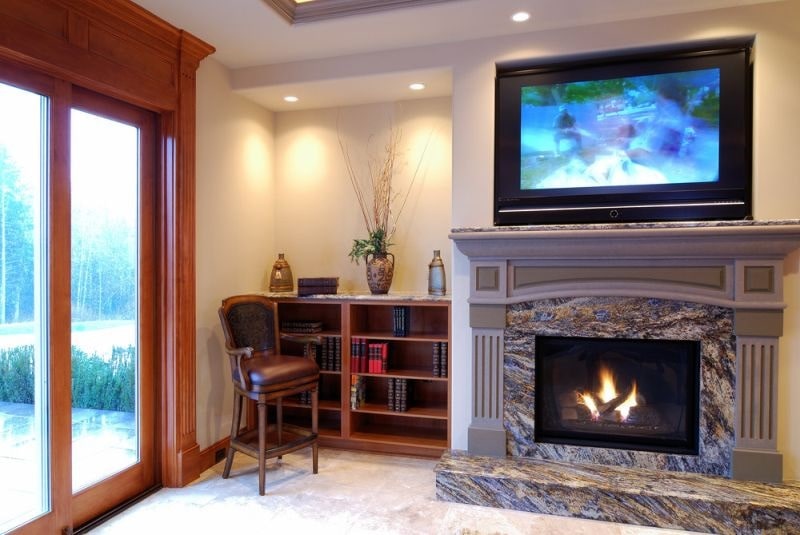
The fireplace wall is the most common location for TV placement — and the most common source of mounting errors. Most fireplace mantels sit at 48 to 54 inches from the floor, which means a TV centered above the mantle ends up with its screen center at 65 to 75 inches. That is 20 to 30 inches too high for normal seated viewing. If the fireplace wall is your only option, use a full-motion mount with a significant downward tilt range — at least 20 degrees — and position your seating as far back as the room allows to reduce the perceived upward angle.
Many people install a tilting mount and then never adjust the tilt. The physical height and the viewing angle work together — a properly tilted screen can correct for a mount that's 3 to 5 inches off the ideal height. Once your TV is on the wall, sit in your primary viewing spot and have someone adjust the tilt incrementally while you assess the center of the screen. Your goal is for the screen to face your eyes perpendicularly, not angled away from you. A small adjustment here makes a visible difference in both picture clarity and comfort.
For a 55-inch TV in a standard living room with sofa seating, the center of the screen should be 42 to 46 inches from the floor. Since a 55-inch screen is approximately 27 inches tall, the bottom edge of the screen will sit around 29 to 33 inches from the floor — comfortably above a low media console while keeping the viewing angle natural.
Yes — seated eye level is the correct target for the screen center in virtually every residential setup. The only exception is a bedroom where you watch from a reclined position, in which case your effective eye level is 4 to 8 inches higher than when seated upright, and the mount height should increase accordingly.
Sit in your main viewing seat and measure the height of your eyes from the floor. That number is your target screen center. Subtract half your TV's screen height to find where the bottom of the screen will land. Then consult your mount's manual to find the VESA hole offset from the bottom edge, add that distance, and mark your drill point. Double-check with a level before drilling.
You can, but it requires a full-motion mount with a downward tilt of at least 15 to 20 degrees to compensate for the elevated position. Standard fireplaces place a TV center at 65 to 75 inches from the floor — well above the ergonomic ideal. Without a significant tilt correction, extended viewing above a fireplace causes neck strain and degrades picture quality due to the off-axis viewing angle.
Yes, but the effect is smaller than most people assume. The screen center target stays within a narrow range (42 to 50 inches) regardless of TV size — what changes is how the screen extends above and below that center. A larger screen stretches further in both directions from the midpoint, so very large panels (75 inches and above) benefit from a 2 to 4-inch upward adjustment to ensure the bottom of the screen clears any furniture below it.


About Editorial Team
The DigiLabsPro editorial team covers cameras, lenses, photography gear, and creative technology with a focus on helping photographers make informed buying decisions. Our reviews and guides draw on hands-on testing and research across a wide range of equipment, from entry-level beginner kits to professional-grade systems.
You can get FREE Gifts. Or latest Free phones here.
Disable Ad block to reveal all the info. Once done, hit a button below
