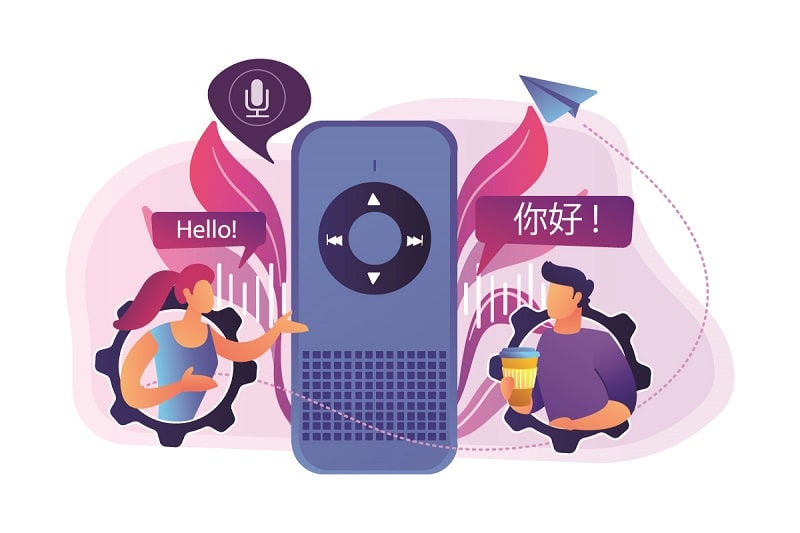
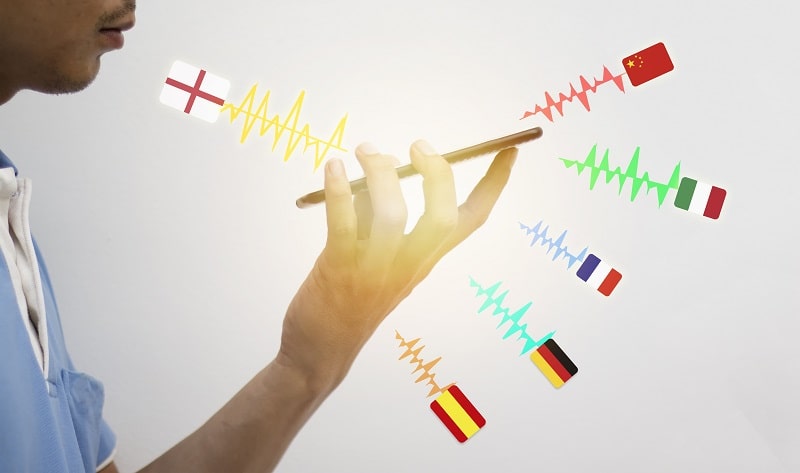
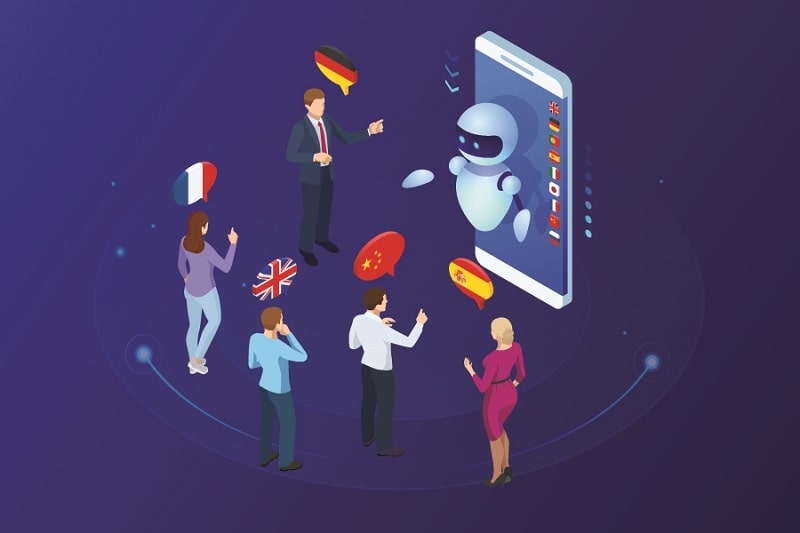
The best voice translation device for you comes down to three factors: language coverage, connectivity, and battery life. Nail those three and you'll find a device that works every time you need it. Whether you're photographing street markets in Southeast Asia or negotiating deals across a language barrier, the right translator keeps you moving. Explore our full voice translation category for in-depth reviews and side-by-side comparisons.
Check the number of languages supported
Today's dedicated translator devices can handle 70 to 100+ languages in near real-time, fit in your shirt pocket, and last a full day on a single charge. But not every device delivers on its spec sheet. You need a clear framework for choosing before you spend your money.
This guide covers everything: honest trade-offs, the specs that actually matter, quick feature wins, and a step-by-step buying process you can follow today.
Strengths and Trade-offs of Voice Translation Devices
No device does everything perfectly. Understanding the real trade-offs upfront saves you from expensive disappointment.
What They Do Well
Real-time translation at 0.5–3 seconds per phrase — fast enough for natural conversation
Dedicated hardware means no app-switching, no notifications, no distractions
Long battery life ranging from 8 to 24 hours on a single charge
Two-way conversation mode lets both speakers talk without passing the device back and forth
Most support 70–100+ languages with a single device
Offline modes download language packs so you're covered without Wi-Fi
Where They Fall Short
Accuracy drops sharply with strong regional accents, dialects, or fast speech
Technical, legal, and medical vocabulary regularly trips them up
Most require an internet connection for full language coverage
They don't replace a human interpreter for high-stakes conversations
Cheaper models feel clunky and have slow, awkward interfaces
Never rely on a voice translation device for legal contracts or medical consultations — in those situations, a certified human interpreter is the only safe choice.
Key Specs to Look For Before You Buy
Language Translator Device
Language Count and Accuracy
A higher language count is only valuable if the device handles your specific language pairs well. The best devices use neural machine translation engines trained on billions of sentence pairs — that's the technology behind near-human accuracy for common languages.
Target at least 40 languages for a general travel device
Verify your exact language pair is listed, not just the total count
Read user reviews that mention accuracy for your specific language combination
Tonal languages like Mandarin and Vietnamese are harder — check specifically for those
Connectivity Options
This is the spec most buyers overlook. Nearly all voice translators require a data connection for their full language library.
Wi-Fi only: cheapest option, but useless without a hotspot
Wi-Fi + offline packs: downloads language data for internet-free use — good middle ground
Built-in SIM or eSIM: works anywhere with cellular coverage — the most reliable option for international travel
Battery Life
A translator that dies at midday is worse than no translator. Here's what to expect by price tier:
Feature
Budget ($40–$80)
Mid-Range ($80–$150)
Premium ($150–$300+)
Language Support
40–60 languages
70–90 languages
100+ languages
Offline Mode
None or very limited
Select language packs
Full offline library
Translation Speed
2–4 seconds
1–2 seconds
0.5–1 second
Built-in SIM
No
Occasionally
Yes (most models)
Battery Life
6–8 hours
10–16 hours
20–24 hours
Two-Way Mode
Basic push-to-talk
Conversation mode
Advanced + noise cancellation
Display
None or indicator lights
Small text screen
Touchscreen with text output
Quick Features That Separate Good Devices from Great Ones
These aren't marketing checkboxes. These are the features that change how useful a device is in real daily use.
Simultaneous two-way translation: both speakers talk naturally without button-pressing rituals
Touchscreen with text display: shows translated text so you catch errors instantly
Noise-cancelling microphone: critical in airports, markets, and crowded restaurants
Photo translation: point the camera at a sign or menu for an instant read — saves enormous time
Conversation history: saves past exchanges for review or sharing
Fast language switching: swap between language pairs mid-trip without digging through menus
If you're traveling through multiple countries on one trip, fast language switching is worth the extra cost — fumbling through settings breaks the flow of every conversation.
Best Translator Device 2020
When a Dedicated Device Makes Sense — and When It Doesn't
Best Use Cases
A dedicated voice translator earns its place when:
You travel internationally more than twice a year
You work in multilingual professional environments
You're a travel or documentary photographer who needs to communicate with subjects on location — just as you'd rely on solid foundational photography techniques to capture the shot, you need reliable communication tools to set it up
You're in areas with unreliable cellular service and offline capability is non-negotiable
You want your phone free for navigation, camera, or note-taking simultaneously
You handle customer-facing roles in tourism, healthcare, or hospitality
When to Skip It
Don't buy a dedicated device when:
You visit only one or two countries a year and always have strong Wi-Fi
You need only simple tourist phrases — a free phone app handles that
Your budget is under $40 — at that price, a decent translation app beats cheap hardware
You only need text translation, not two-way spoken conversation
How to Choose the Best Voice Translation Device Step by Step
Whats The Best Language Translator Device
List your language pairs. Write down every language you need — both directions. Cross-reference this with each device's full supported language list, not just the headline count.
Decide on connectivity. Be honest about your travel conditions. If you always have a phone hotspot, Wi-Fi-only works. If you go off-grid, you need offline packs or a built-in SIM.
Set a realistic budget. Mid-range ($80–$150) covers the vast majority of use cases. Only go premium if you genuinely need 20+ hour battery, advanced noise cancellation, or a built-in cellular plan.
Prioritize translation speed. Sub-one-second translation feels like a natural conversation. Anything over three seconds creates awkward pauses. Look for reviews that test speed under real conditions, not just spec-sheet claims.
Evaluate the interface before buying. Watch video reviews to see menus and button layouts in action. A fast engine paired with a confusing UI is worse than a slightly slower device you can operate without thinking.
Read language-specific reviews. A device that excels at European languages can struggle with Vietnamese, Arabic, or Japanese. Find reviewers who tested your specific language pair.
Confirm the return policy. Buy from a retailer offering at least 30 days returns. Translation accuracy is impossible to judge from a spec sheet alone — you need hands-on testing to know for certain.
Getting the Best Results From Your Translator
Even the best device underperforms if your technique is off. These habits make an immediate, measurable difference.
Speaking Tips for Cleaner Output
Speak in complete, direct sentences — avoid idioms, slang, and filler words
Pause briefly between sentences to let the processor catch up
Keep sentences under 15 words where possible — shorter inputs produce more accurate outputs
Enunciate consonants clearly, especially sounds that vary across English accents
Don't speak faster when the translation is slow — it makes accuracy worse, not better
Matching your speaking style to your device's strengths is the same principle as choosing the right memory card for your camera — specs on paper mean nothing if you're not using the tool correctly in the field.
Managing Noisy Environments
Hold the device 6–8 inches from your mouth — not flat against your lips
Cup your free hand around the microphone end to block wind and ambient noise
Step even one meter away from speakers, traffic, or machinery before starting
Use paired earbuds with directional microphones if your device supports them
In loud environments, moving just a few steps away from the noise source can lift translation accuracy from frustrating to flawless — don't fight the noise, remove yourself from it.
Keeping Your Device in Top Shape
A voice translator is precision electronics. Treat it accordingly and it will last for years.
Physical Care
Use a protective case — a single drop can crack the screen or damage the microphone array
Clear the microphone port of dust and lint with a soft brush (not compressed air, which pushes debris deeper)
Store in a dry pouch in humid climates to prevent moisture damage to internal components
Software and Performance
Update firmware regularly — manufacturers push accuracy improvements and new language support through over-the-air updates
Clear your conversation history every few weeks to free up storage and keep the interface responsive
Re-download offline language packs after major firmware updates — they sometimes reset during the process
Perform a factory reset if translation accuracy drops noticeably without explanation — corrupted language data is a common culprit
Store the device at 40–60% charge if you won't use it for more than two weeks — this preserves long-term battery health
Frequently Asked Questions
What is the best voice translation device for international travel?
The best travel-focused voice translation device combines a built-in SIM or eSIM, offline language packs, and at least 12 hours of battery life. Mid-range devices in the $100–$150 range from brands like Timekettle, ili, and Pocketalk hit all three requirements reliably. Verify that your specific destination languages are supported before purchasing.
Do voice translation devices work without internet?
Yes, but only if you download offline language packs before you leave. Most devices require Wi-Fi or cellular data for full language support and maximum accuracy. Premium models with downloadable offline libraries give you the broadest coverage without a connection, though offline accuracy is slightly lower than the online version.
How accurate are voice translation devices?
Accuracy for major language pairs — English, Spanish, French, German, Japanese, Chinese — typically reaches 85–95% for everyday conversational speech. Accuracy drops with strong regional dialects, technical vocabulary, fast speech, or background noise. No current device achieves human-interpreter-level accuracy for complex or specialized communication.
Can I use a voice translation device for business meetings?
You can use one for informal business conversations and basic negotiations. For formal contracts, legal discussions, or sensitive negotiations, hire a certified professional interpreter instead. A device that mistranslates a key term in a business context can cause real problems — the stakes are too high to rely solely on automated translation.
How long does the battery last on a voice translation device?
Battery life ranges from 6 hours on budget models to 24 hours on premium devices. Most mid-range options land at 10–16 hours, which is enough for a full day of travel. If you know you'll be away from power for extended periods, prioritize battery capacity as a primary buying criterion rather than an afterthought.
What languages can a voice translation device typically support?
Most modern devices support between 40 and 100+ languages. Common languages like English, Mandarin, Spanish, French, German, Japanese, and Arabic are supported by virtually every device on the market. Less common languages — regional dialects, indigenous languages, or low-resource languages — are hit or miss. Always check the full supported language list for your specific destination.
Is a dedicated voice translation device better than a phone app?
For regular travelers and professionals, yes. A dedicated device offers better microphone hardware, longer battery life, purpose-built software, and a distraction-free experience. Phone apps are adequate for occasional use but rely on your phone's battery and divide your attention between translation and other tasks. If you translate more than a few times a week, dedicated hardware pays for itself quickly.
The best voice translation device is the one you actually have with you, fully charged, loaded with the right languages — preparation beats specs every time.
The DigiLabsPro editorial team covers cameras, lenses, photography gear, and creative technology with a focus on helping photographers make informed buying decisions. Our reviews and guides draw on hands-on testing and research across a wide range of equipment, from entry-level beginner kits to professional-grade systems.