Security cameras are not an automatic invasion of privacy — but placement, intent, and data access determine whether they cross that line. The debate over security cameras invasion of privacy has intensified as imaging technology has become cheaper and more capable, placing high-resolution surveillance tools in the hands of millions of homeowners, landlords, and businesses. The same optical engineering that drives advances in modern photography now powers residential cameras capable of reading license plates from across a parking lot.
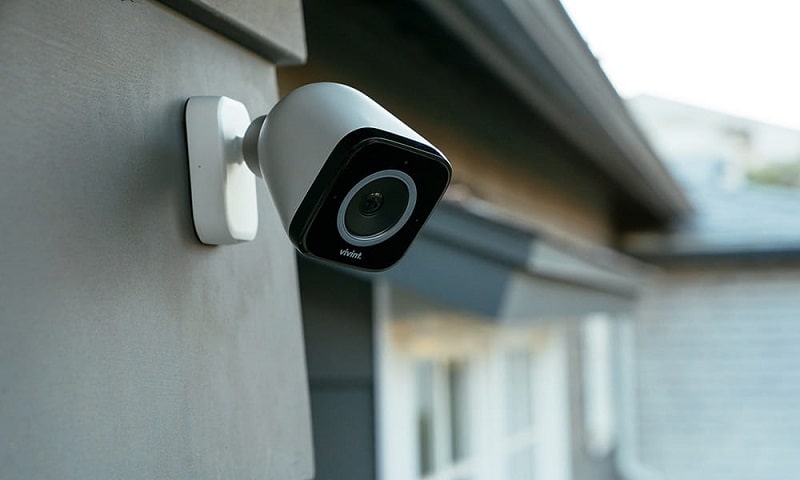
The number of surveillance cameras globally has surpassed one billion, according to market research firms tracking the CCTV industry. That density has forced legislatures, courts, and privacy advocates to draw clearer boundaries around what constitutes lawful surveillance. Closed-circuit television began as an industrial security tool in the 1940s; today it monitors neighborhoods, offices, schools, and public transit systems simultaneously.
Understanding this debate means examining the technology itself, the legal frameworks that govern it, and the practical decisions made by those who install and maintain these systems. Security professionals and privacy advocates agree on at least one principle: camera placement and policy matter far more than the mere presence of cameras.
Contents
Modern security cameras represent a convergence of decades of optical and digital engineering. The same principles that govern lens selection for portrait photography — aperture, focal length, sensor size — apply directly to surveillance optics. A wide-angle lens covers more area but introduces edge distortion; a telephoto lens captures distant subjects sharply but compresses the field of view considerably. Understanding these trade-offs matters whether a photographer is composing a shot or a property owner is selecting coverage zones.
Analog CCTV systems transmit video over coaxial cable to a digital video recorder (DVR). They are cost-effective, reliable, and well understood by most security installers — but they typically cap out at 1080p resolution. IP (Internet Protocol) cameras transmit digital video over ethernet or Wi-Fi to a network video recorder (NVR), with modern models capable of 4K capture with HDR support. For those already familiar with digital camera hardware — through studying how camera stabilizers work or exploring optical filter systems — the transition to reading IP camera specifications requires little additional learning.
Contemporary IP cameras include infrared night vision, two-way audio, person detection, and — in many cases — facial recognition. These features expand the utility of surveillance dramatically. They also amplify privacy concerns proportionally. AI-driven analysis can identify individuals, track movement patterns, and flag behavioral anomalies automatically, capabilities that go well beyond passive recording. The distinction between a camera that records and a camera that actively analyzes is a central point in current privacy litigation.
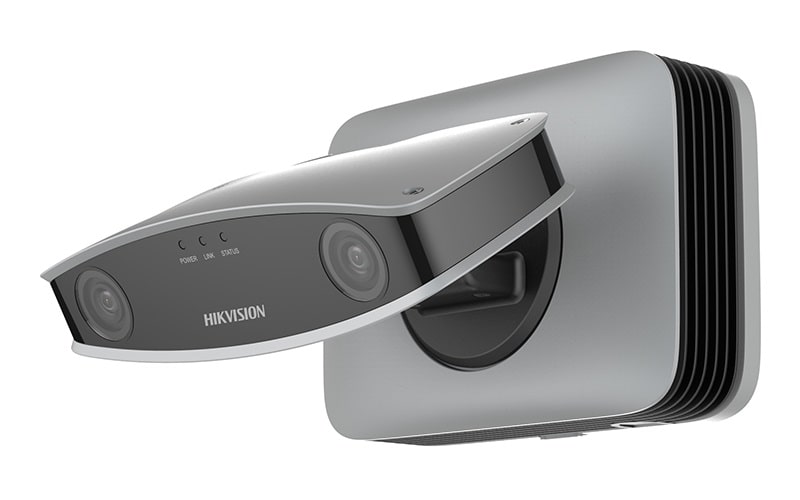
Whether security cameras constitute an invasion of privacy depends on jurisdiction, context, and the reasonable expectations of the individuals being recorded. Courts in the United States generally apply a "reasonable expectation of privacy" standard: what a person does in a public space carries a lower privacy expectation than what occurs inside a home. This distinction is foundational to nearly every surveillance statute at the state and federal level.
The United States has no single federal statute governing private CCTV use comprehensively. The Electronic Communications Privacy Act (ECPA) and the Fourth Amendment provide a constitutional framework, but enforcement largely falls to state law. California's CCPA, Illinois's Biometric Information Privacy Act (BIPA), and Texas's Capture or Use of Biometric Identifier Act each impose distinct rules on data collection, retention, and facial recognition. Illinois, notably, requires informed written consent before any biometric data is captured — a rule that directly affects AI-enabled security cameras sold to consumers in that state.
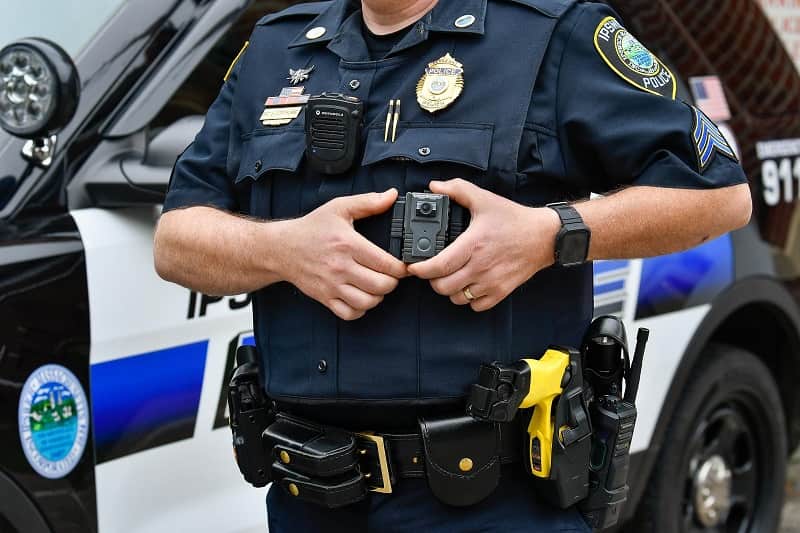
Recording a street-facing front entrance is generally lawful in most jurisdictions. Recording a neighbor's backyard — even accidentally — is where legal exposure begins. Pointing a camera into any space where individuals have a legitimate expectation of privacy, such as a bathroom, bedroom, or private office, is illegal in every U.S. state without exception. The dividing line is not the camera itself, but its field of view and what that field of view captures.
Legal note: Even a camera aimed at a public street can trigger liability if it inadvertently captures audio from inside an adjacent home — audio recording laws are significantly stricter than video laws in most states.
For homeowners and businesses already operating security systems, several immediate changes can reduce privacy exposure substantially. Most require no new hardware — only a policy update or a configuration adjustment in existing software.
Posting clear, visible signage indicating that an area is under video surveillance serves two functions: it satisfies legal notice requirements in many jurisdictions, and it functions as a proven deterrent. Visible signage reduces the likelihood of a privacy complaint even in cases where the underlying footage would be legally defensible. For commercial properties, disclosure may also be required in employee agreements under applicable labor law.
Most modern IP cameras offer privacy masking — a feature that blacks out a defined region of the frame before any recording or transmission occurs. A camera covering a front door can be configured to mask a neighbor's visible window in the background. This single configuration step eliminates a significant category of disputes before they develop. The practice mirrors cropping decisions in photography: the goal is to capture only what is relevant.
Ethical camera deployment begins at the planning stage, not after installation. The principles here mirror those governing professional lighting in photography: the goal is to illuminate the subject of interest without spilling into areas that are not part of the intended composition.
A camera positioned at a property entry should capture that entry — not the interior of a neighbor's living room or a shared hallway in a multi-unit building. Wide-angle lenses maximize coverage but also maximize the risk of capturing incidental footage. Choosing a narrower field of view, or using physical camera housings that restrict the capture angle, is the most reliable method of containing what gets recorded. Physical constraints are more tamper-proof than software masks alone.

Storing footage indefinitely is not a best practice — it is a liability. Most security professionals recommend a 30-day retention window for residential systems and 90 days for commercial installations. Shorter retention periods reduce the volume of sensitive data at risk in the event of a breach and align with GDPR-style data minimization principles, even in jurisdictions that do not legally require it. For those new to digital camera systems overall, reviewing digital photography fundamentals provides useful context on how modern sensors, storage formats, and resolution interact.
The price range for security camera systems spans several orders of magnitude. A single smart doorbell camera can be purchased for under $100; an enterprise-grade multi-site system runs into tens of thousands of dollars. The table below outlines what buyers typically encounter at each market tier.
| System Tier | Typical Cost Range | Camera Resolution | Storage Type | Subscription Required |
|---|---|---|---|---|
| Entry-Level (1–2 cameras) | $50–$200 | 1080p | Local microSD / limited cloud | Optional |
| Mid-Range (4–8 cameras) | $300–$800 | 1080p–4K | NVR / cloud hybrid | Optional or included |
| Professional (8+ cameras) | $1,000–$5,000+ | 4K | On-premises NVR + backup | Rarely required |
| Enterprise / Commercial | $5,000–$50,000+ | 4K+ with AI analytics | Dedicated server / cloud | Varies by vendor |
Entry-level cameras from brands like Ring, Wyze, and Eufy have made surveillance accessible to virtually any household. They rely heavily on cloud storage, which introduces its own privacy considerations: footage is transmitted to and stored on third-party servers, often under terms of service that permit law enforcement access without a warrant in certain jurisdictions. Buyers at this tier should review the privacy policy of the platform as carefully as the camera specifications.
Most cloud-based residential cameras require a monthly subscription for extended recording history, smart alerts, and video download access. These fees typically range from $3 to $30 per camera per month. Professional NVR-based systems eliminate recurring fees by storing footage locally — which also keeps data off third-party servers, a meaningful privacy advantage for users with heightened security concerns.
Security cameras are broadly accepted in settings where safety is a documented and legitimate concern. Retail stores deploy them to deter and document shoplifting. Banks rely on surveillance as a regulatory requirement. Homeowners in high-incident areas use cameras to protect property and provide documentation for law enforcement investigations. In all of these cases, cameras are trained on areas where no reasonable expectation of privacy exists. The question of whether security cameras represent an invasion of privacy in these contexts is largely settled in favor of the operator — provided the footage is handled responsibly.
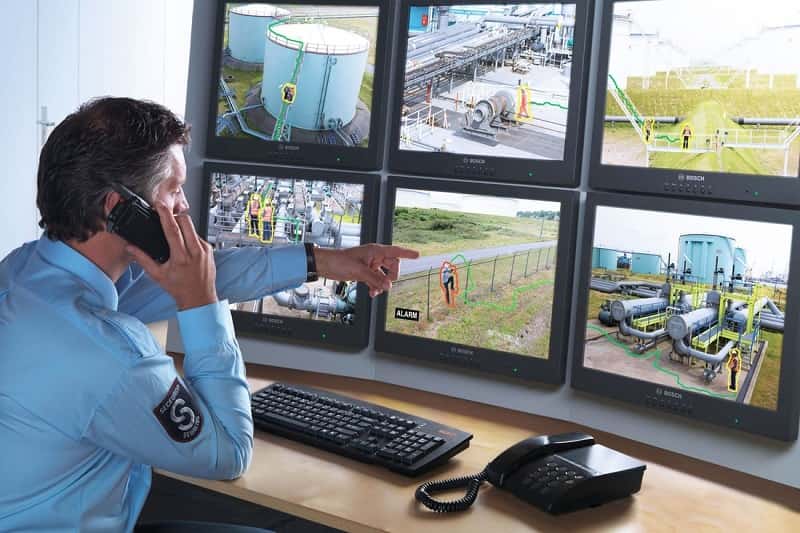
The invasion of privacy argument gains significant legal and ethical weight when cameras are deployed to serve control rather than safety. Employers who monitor workers in break rooms or restrooms face both legal liability and documented harm to employee morale and trust. Landlords who install cameras inside tenant living units — or in common interior areas — may be violating privacy law and tenant rights statutes simultaneously. Neighborhood surveillance networks that share footage directly with law enforcement without any institutional oversight raise civil liberties concerns that courts are only beginning to evaluate systematically. The core issue is not whether cameras exist, but who controls access to recorded footage and under what accountability structure.
Key consideration: A security camera pointed at a private property is generally lawful — but sharing that footage with third parties, including law enforcement, may trigger separate legal obligations that vary significantly by jurisdiction.
Deploying a security camera system with privacy as a design criterion requires deliberate choices at every stage. The technical awareness that informs understanding a camera's operational specifications applies here as well — knowing precisely what a camera captures, at what resolution and angle, is the foundation of responsible deployment.
Proactive communication remains one of the most underutilized strategies for avoiding security camera disputes. Informing neighbors of a camera's coverage area before installation — rather than after a formal complaint — resolves the majority of objections before escalation. In multi-unit properties, written disclosure to tenants covering camera locations, coverage areas, and retention policy functions as both a legal safeguard and a trust-building measure. Transparency does not compromise a surveillance system's effectiveness — research consistently indicates that disclosed cameras deter criminal activity as effectively as covert ones, while generating far fewer legal complications.
In most U.S. jurisdictions, installing cameras on the exterior of a private home is lawful, provided those cameras do not capture footage of neighboring properties or spaces where others hold a reasonable expectation of privacy. Local ordinances may impose additional requirements, and state laws vary significantly.
Audio recording is governed by stricter laws than video recording in most U.S. states. Many states operate under all-party consent rules, meaning every person being recorded must give consent. Cameras that capture audio without proper disclosure may violate wiretapping or eavesdropping statutes even when the video recording is otherwise lawful.
Neighbors may raise formal objections, but available legal remedies depend on jurisdiction and what the camera actually records. If a camera captures footage of a neighbor's yard, windows, or private spaces, they may have standing to request reorientation or masking — and in some jurisdictions, to pursue civil action for invasion of privacy.
Employers generally hold the right to monitor common work areas through video surveillance, provided employees receive adequate notice. Monitoring private spaces such as restrooms, locker rooms, or individual offices is illegal. Many states mandate that employees be notified of all surveillance in place as a condition of employment.
Industry best practices recommend a 30-day retention window for residential systems and up to 90 days for commercial installations. Retaining footage beyond operational need increases data breach exposure and, in regulated industries, may create compliance obligations under frameworks such as GDPR or the California CCPA.


About Editorial Team
The DigiLabsPro editorial team covers cameras, lenses, photography gear, and creative technology with a focus on helping photographers make informed buying decisions. Our reviews and guides draw on hands-on testing and research across a wide range of equipment, from entry-level beginner kits to professional-grade systems.
You can get FREE Gifts. Or latest Free phones here.
Disable Ad block to reveal all the info. Once done, hit a button below
