According to the U.S. Census Bureau, the median floor area of newly built single-family homes has been trending downward since 2015 — yet televisions keep getting bigger and more central to how we use a room. If you're hunting for TV stand ideas for small spaces, you're working against that squeeze every day. The right stand can anchor a room without overwhelming it, hide cables that make everything look messy, and give you storage you didn't know you were missing. Before you start shopping or building, it helps to have a clear picture of what you're actually looking for — which is exactly what this guide covers. And if you want a head start on sizing and compatibility, our overview of flat panel TV stands is a solid first stop.
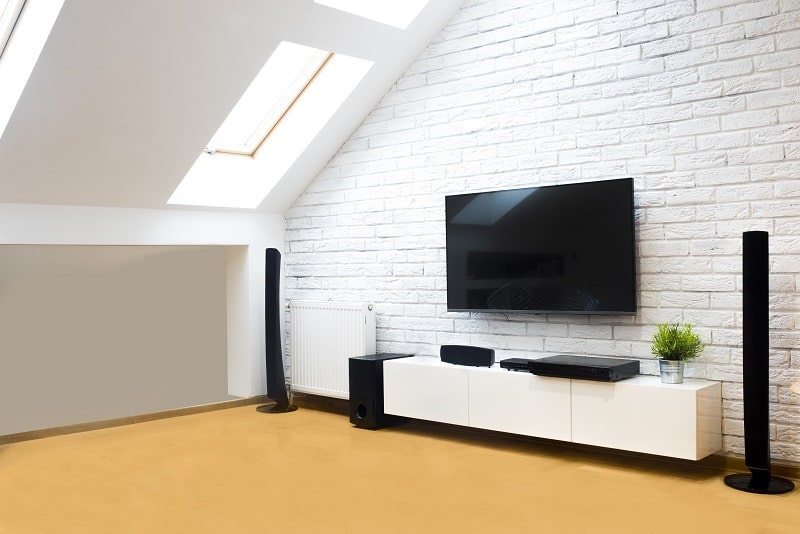
Your TV stand does a lot more than hold a screen. In a small room it defines the entertainment zone, sets the visual tone of the entire wall, and either wastes floor space or cleverly earns its footprint with storage. Getting it right means thinking about proportions, function, and style at the same time — not as separate decisions you can make later. The payoff is a setup that feels intentional rather than thrown together.
This guide walks you through practical and creative approaches to TV stand design, from measuring and materials all the way through to troubleshooting problems that show up after the fact. Whether you're dealing with a 10-by-12 bedroom or a narrow apartment living room, there's a workable idea here. We cover more home setup and gear topics in our photography articles section if you want to keep exploring after this.
Contents
Jumping straight into buying or building without measuring first is the single most common mistake people make with TV stand projects. A stand that's two inches too deep, four inches too narrow, or three inches too tall relative to your seating can ruin the entire setup. Taking thirty minutes to measure and plan properly saves you from a frustrating do-over.
Start with three numbers: the width of your available wall space, the width of your TV (not the diagonal screen measurement — the actual outer frame width), and the height at which the center of the screen should sit. Most viewing comfort guidelines put seated eye level at roughly 42 to 48 inches from the floor for standard couch seating. Your stand height should position the screen center close to that range.
The material you choose affects not just how a stand looks but how long it lasts, how much it weighs, and how easy it is to work with if you're building. Here's a comparison of the most common options:
| Material | Weight | Durability | Best Use Case | Relative Cost |
|---|---|---|---|---|
| MDF / Particleboard | Light–Medium | Moderate | Budget builds, painted finishes | $ |
| Plywood | Medium | High | DIY modern builds, clean edges | $$ |
| Solid Wood | Heavy | Very High | Rustic and handcrafted styles | $$$ |
| Steel / Metal Frame | Medium–Heavy | Very High | Industrial and open-shelf looks | $$–$$$ |
| Glass + Metal | Heavy | Moderate | Modern, visually airy designs | $$$ |
| Repurposed / Vintage | Varies | Varies | Eclectic, character-driven setups | $–$$ |
For small spaces, plywood paired with a metal frame often hits the best balance — it looks deliberate, stays relatively light, and gives you open shelf space without adding visual bulk. MDF works well when you're painting to match the wall, which makes the stand blend in and the room feel larger.
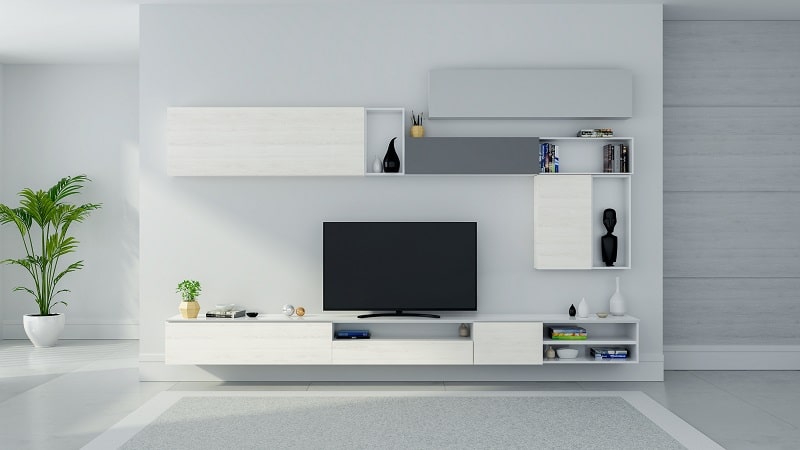
The most effective way to find what works in a tight space is to look at what others have done in comparable rooms. These aren't theoretical concepts — they're real configurations adapted by real people working with limited square footage.
Wall-mounted floating shelves beneath a wall-hung TV are one of the most impactful approaches available for small rooms. By keeping everything off the floor, you reclaim visual space and give the room a more open feel. A single long shelf at console height holds a soundbar, a streaming device, and a few small accessories — keeping the floor completely clear. For this approach to work safely, both the TV mount and the shelving need to hit studs or use proper hollow-wall anchors. Our guide on how to mount a TV on the wall without studs walks through the options clearly.
A solid wood dresser, an old credenza, a ladder shelf, or stacked wooden crates — repurposed pieces have become some of the most shared TV stand ideas on home décor platforms. The appeal is practical as much as aesthetic: you often get more storage than a dedicated TV unit would offer, and the piece adds character a flat-pack alternative typically can't.
Before you place a large screen on anything repurposed, verify the surface is level and the weight rating works. Most modern flat-screen TVs are lighter than people assume — a 65-inch model often weighs between 50 and 70 pounds — but the surface still needs to be stable and appropriately deep to avoid the TV sitting too close to the edge.
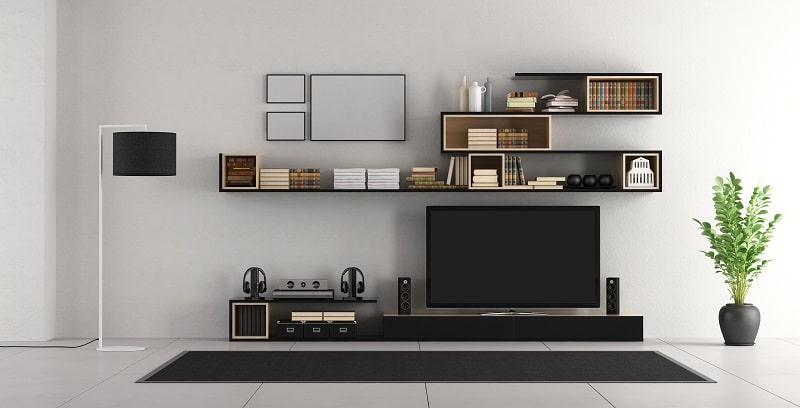
It's tempting to solve today's problem and stop there. But a bit of forward thinking at the planning stage saves you from dismantling everything two years later when your setup or your living situation changes. Think of your TV stand as part of a longer-term system, not a one-time decision.
Modular shelving systems give you room to grow without committing to a fixed configuration. Cube-based units are a popular example — you can start with a simple two-cube base today and add vertical units as your needs change. This is particularly useful when you're combining a home office and entertainment zone in the same corner of a small room.
Cable disorder is the fastest way to undermine an otherwise clean setup. And it's significantly easier to route cables correctly from day one than to untangle and redo them after the fact. Use cable raceways along baseboards, velcro ties inside shelving units, and a power strip mounted to the back panel of your stand. If you're routing an antenna cable into the mix, the article on how to hook up a TV antenna covers clean routing options alongside standard HDMI runs.
Pro tip: Label both ends of every cable before routing it — when you're troubleshooting six months from now, you'll be genuinely grateful you did.
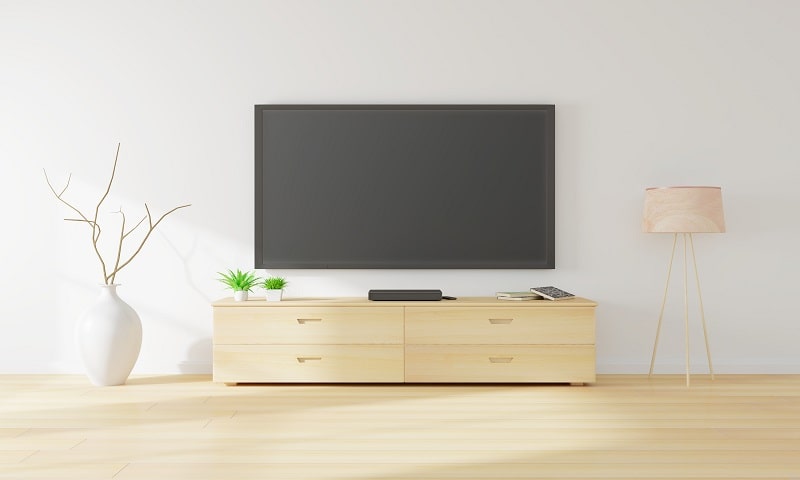
Not every improvement requires a full rebuild. Some of the best TV stand ideas for small spaces are minor adjustments that take an afternoon and cost very little. These are the upgrades that tend to get the most visible return for the least effort.
On the functional side, a handful of inexpensive additions can meaningfully improve how a small-space entertainment setup works in daily use. None of these require tools or permanent changes:
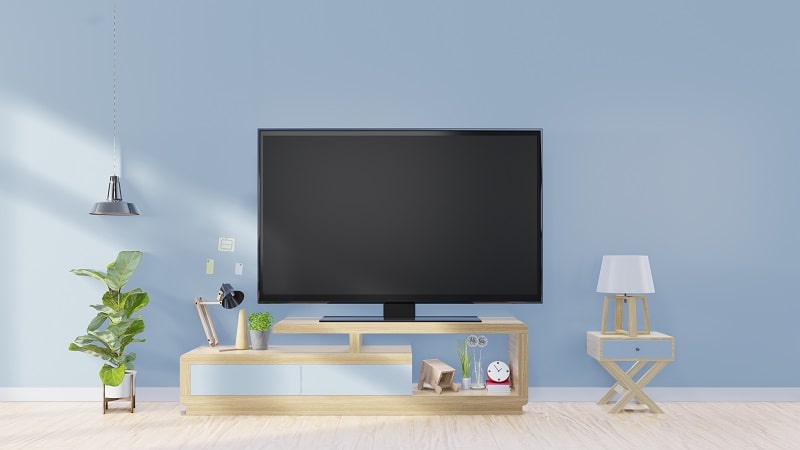
Your available skill level and time both play a real role in which TV stand ideas are actually practical for you right now. What works for someone with a full woodworking shop and a free weekend won't work for someone renting an apartment with a drill and a half-day.
Beginners should focus on high-confidence wins: buying a well-reviewed ready-to-assemble unit, installing it safely with wall anchors, and getting cable management sorted before the clutter sets in. The most frequent beginner error is underestimating the importance of wall anchoring — especially with open-back units in homes with children or pets. A solid flat-pack stand from a reputable furniture retailer handles the job well for most small-space setups. Don't let the appeal of elaborate builds pull you away from the fundamentals.
If you're comfortable with power tools and can dedicate a weekend, a custom plywood build opens up options that no flat-pack unit can replicate. You design the exact depth, width, and internal compartment dimensions you need. Dado joints and pocket screws hold better than the dowels and cam locks used in most flat-pack furniture. And you can route cable channels directly through the structure during assembly — sealing them off cleanly afterward so nothing is visible from the outside.
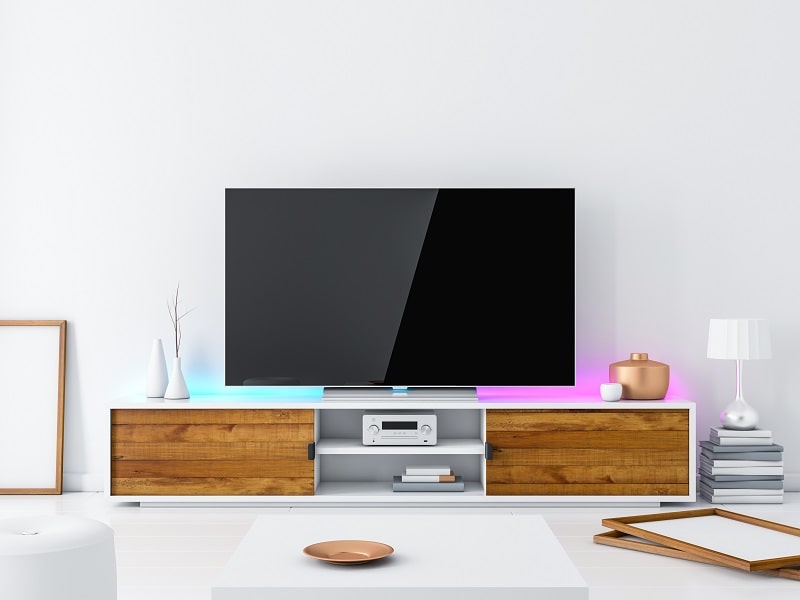
Custom builds also let you integrate the unit into the room's architecture in a way that fundamentally changes how the space feels. A floor-to-ceiling built-in makes a small room read as a designed space rather than a furnished box. It's a bigger time and material investment — but the result is a setup that genuinely fits your room rather than approximating it. You can integrate shelving for books, plants, or gear alongside the entertainment area to make full use of vertical space you'd otherwise leave empty.

Even well-planned setups run into issues. The good news is that most of the problems people encounter have straightforward fixes — you rarely need to start over entirely.
A wobbling TV stand is a safety issue before it's an aesthetic one. If your unit rocks at all under normal use, wall-anchor it immediately using furniture anti-tip straps — they cost a few dollars and install in minutes. For stands on slightly uneven flooring, adjustable rubber leveling feet screw into the legs and compensate for inconsistent surfaces. One thing to avoid: trying to stabilize a wobbly unit by loading it with weight. Adding heavy items to an unstable structure increases the tipping risk rather than reducing it.
Enclosed TV stands look tidy, but they trap heat from AV components. If your streaming device, game console, or AV receiver runs warm to the touch after a couple of hours, restricted airflow is almost certainly the cause. You have several options, all of which are low-cost:
Placing a TV stand opposite a window — or anywhere that catches direct sunlight during peak viewing hours — is one of the most common setup mistakes in small rooms. In a tight space you may not have many repositioning options, but a swivel or full-motion TV mount gives you more flexibility than a fixed bracket. A matte anti-glare screen protector reduces reflections without meaningfully degrading image quality. If ambient lighting is part of the problem, bias lighting behind the TV (as mentioned in the quick upgrades section) can help your eyes adapt and reduce the perceived contrast with the bright window.
A TV stand should be roughly the same width as your TV or slightly wider — typically 4 to 6 inches of stand extending beyond each side of the screen. For depth, aim for no more than 16 to 18 inches in a tight space so you preserve floor clearance and the room doesn't feel crowded. Height depends on your seating, but most people find that a stand placing the screen center at 42 to 48 inches from the floor gives a comfortable viewing angle.
Yes — wall mounting your TV and using floating shelves for components is a very effective approach in small rooms. It keeps the floor completely clear, reduces visual clutter, and lets you position the screen at exactly the right height. The tradeoff is that installation requires wall anchors or stud-mounting, and cable management becomes more involved since there's no back panel to route cables through.
The goal is to position the center of the screen at roughly seated eye level, which is around 42 to 48 inches from the floor for most standard couch seating. For a TV stand specifically, this usually means a unit height between 18 and 26 inches, depending on your TV size. Taller screens naturally raise the center point higher, so shorter stands can still work with larger televisions.
The most effective approach combines multiple methods: velcro cable ties to bundle cords together, a cable raceway mounted along the baseboard to route bundles horizontally to the outlet, and a power strip mounted to the back of the stand so the main cable cluster stays behind the unit. For wall-mounted TVs, an in-wall cable management kit routes HDMI and power cables behind the drywall for a completely clean look.
Solid hardwood and steel-framed units offer the best long-term durability. Plywood is a close second and significantly outperforms MDF or particleboard in resistance to sagging and moisture. If you're buying rather than building, look for dovetail or mortise-and-tenon joinery in wood units rather than cam-lock or dowel construction, which tends to loosen over time with repeated disassembly.
First, check whether the wobble is coming from the floor or the stand itself. For uneven floors, adjustable rubber leveling feet correct the issue quickly. For structural wobble in the stand, anti-tip furniture straps anchored to a wall stud are the safest fix. If the unit is a flat-pack design that has loosened at the joints, re-tighten all fasteners and consider adding corner brackets inside the cabinet for additional rigidity.
It depends on the shelf, the mounting hardware, and what it's anchored into. A properly installed floating shelf hitting two or more wall studs can hold a 60-plus-inch TV without issue — most modern flat-screens weigh less than people expect. The critical factor is the anchor point. Hollow-wall anchors rated for 50 pounds or more per anchor can also work in stud-free areas, but confirm the combined weight rating across all anchors comfortably exceeds your TV's listed weight before mounting.
Whether you're starting from scratch or refining an existing setup, the core principles stay the same: measure carefully, choose materials that fit both your budget and your skill level, plan your cable routes before they become a problem, and build in flexibility for how your space might change over time. Pick one idea from this guide that fits your current situation and act on it this week — small, deliberate steps lead to setups that actually last.


About Editorial Team
The DigiLabsPro editorial team covers cameras, lenses, photography gear, and creative technology with a focus on helping photographers make informed buying decisions. Our reviews and guides draw on hands-on testing and research across a wide range of equipment, from entry-level beginner kits to professional-grade systems.
You can get FREE Gifts. Or latest Free phones here.
Disable Ad block to reveal all the info. Once done, hit a button below
