Have you ever watched a YouTube video and thought, what camera is this person using to get footage that sharp? You're asking exactly the right question. Understanding what video cameras do YouTubers use is the first real step toward building your own setup — whether you're launching a travel vlog, a cooking channel, or a gear review series. The answer spans a wide range, from pocket-sized point-and-shoots to full-frame mirrorless systems, and the right choice depends on your content type, shooting environment, and available budget. For more camera guides and photography resources, visit our photography articles section.
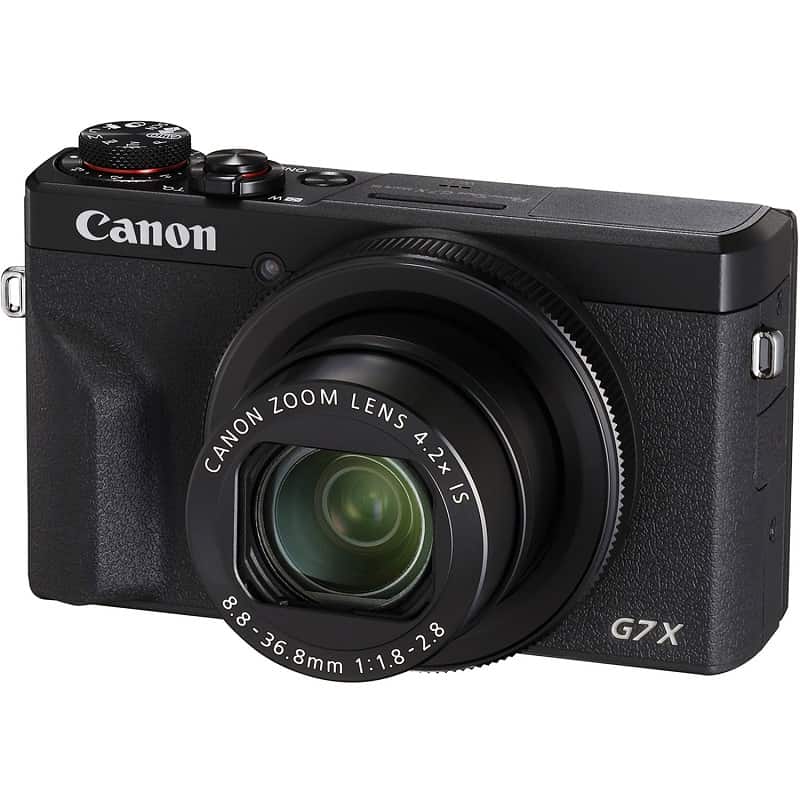
The Canon PowerShot G7 X is one of the most recognized cameras in the YouTube creator world. It fits in a jacket pocket, shoots crisp 1080p video, and flips its screen forward for hands-free vlogging. It's a solid example of how capable a compact camera can be — and it illustrates why camera selection is about fit, not just specs.
Before jumping into specific models, it's worth understanding why certain cameras keep showing up on creator channels. Features like autofocus speed, articulating screens, and onboard image stabilization matter far more for video than they do for still photography. A camera optimized for portraits isn't necessarily ideal for moving footage. This guide will walk you through how to choose, what to avoid, and how much to realistically spend.
Contents
Choosing a camera isn't just about megapixels and price tags — it's about matching the right tool to your specific workflow. Before you spend anything, get clear on what kind of videos you're making and where you're making them.
Different channels have fundamentally different camera needs:
Getting clear on your niche before you shop saves you from buying a camera that works great for someone else's content but not yours.
Once you know your content type, filter your options by these core video specs:
If you're still working through the broader decision process, our full guide on how to choose a video camera covers the fundamentals in detail.

Even with a capable camera in hand, certain decisions consistently undermine video quality for new creators. Here are the pitfalls worth knowing before you hit record.
This is the most common — and most costly — mistake new creators make. Viewers will sit through average video quality, but they will close a tab within seconds if audio sounds echoey, muffled, or distorted. Clean audio retains more viewers than a better camera ever will.
Record a short clip, then listen back through headphones — not your camera's speaker. Most audio problems show up immediately in a headphone playback that you'd completely miss otherwise.
Gear research is engaging. Actually filming is harder. Many creators spend months in camera comparison rabbit holes instead of making videos. The uncomfortable truth: a well-lit shot from a $400 camera beats a poorly lit shot from a $2,000 one every single time. Lighting and content quality are your highest-leverage investments early on.
Not every creator needs professional gear. And not every professional setup is financially out of reach for a serious creator. Here's how to think about both ends of the spectrum.
Point-and-Shoot Compacts: The Canon PowerShot G7 X Mark III and Sony ZV-1 were essentially designed for video creators. They're compact, intuitive, and produce excellent footage. Flip screens, face-tracking autofocus, and built-in stabilization cover most beginner needs in one package.
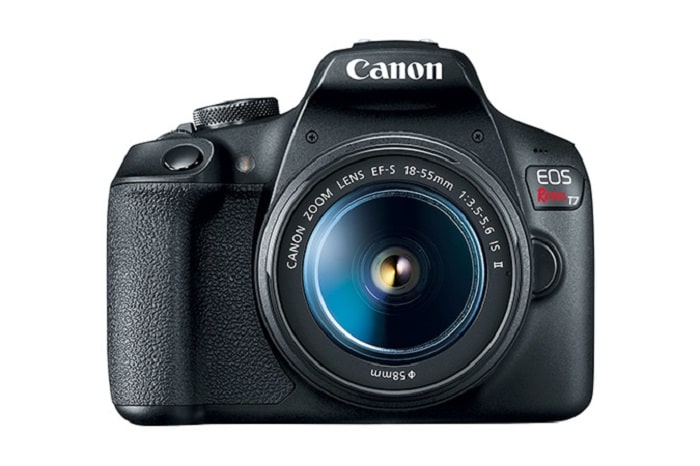
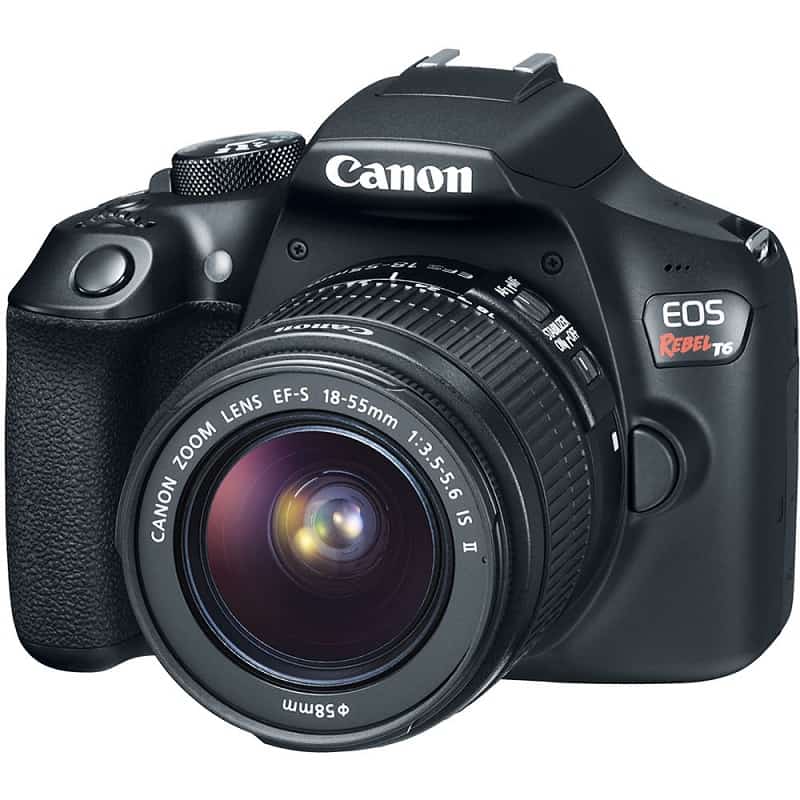
Entry-Level DSLRs: The Canon Rebel series — particularly the T7i and T8i — provides a larger sensor than most compacts, interchangeable lenses, and an articulating screen. Solid autofocus and widely available lenses make these bodies a practical starting point for creators who want room to grow.
Smartphones: Don't underestimate them. Modern flagship phones shoot stabilized 4K, handle portrait-style background blur, and pair naturally with gimbals. For creators who prioritize mobility, a phone setup can rival entry-level dedicated cameras. The fundamentals of framing and light still apply — our guide on how to take good photos with a digital camera covers the core concepts that translate directly to video work.
Upgrading makes sense when at least one of these is true:
Professional-tier cameras — Sony A7S III, Canon EOS R5, Blackmagic Pocket Cinema Camera 6K — offer dramatically better low-light performance, flexible codecs, and wide dynamic range. They also demand better storage, larger batteries, and more capable editing hardware. If you're stepping up to high-bitrate 4K footage, make sure your editing machine can handle it — the best laptops for animators are equally capable for demanding video editing workflows.
Most YouTube cameras fall into a handful of distinct categories. Each has genuine strengths — and real limitations. Here's an honest look at what you're actually getting with each type.
Digital single-lens reflex cameras have been a backbone of YouTube production for well over a decade. Mirrorless systems have increasingly taken over as the go-to choice for new buyers, offering comparable image quality in more compact, video-optimized bodies.
Pros:
Cons:
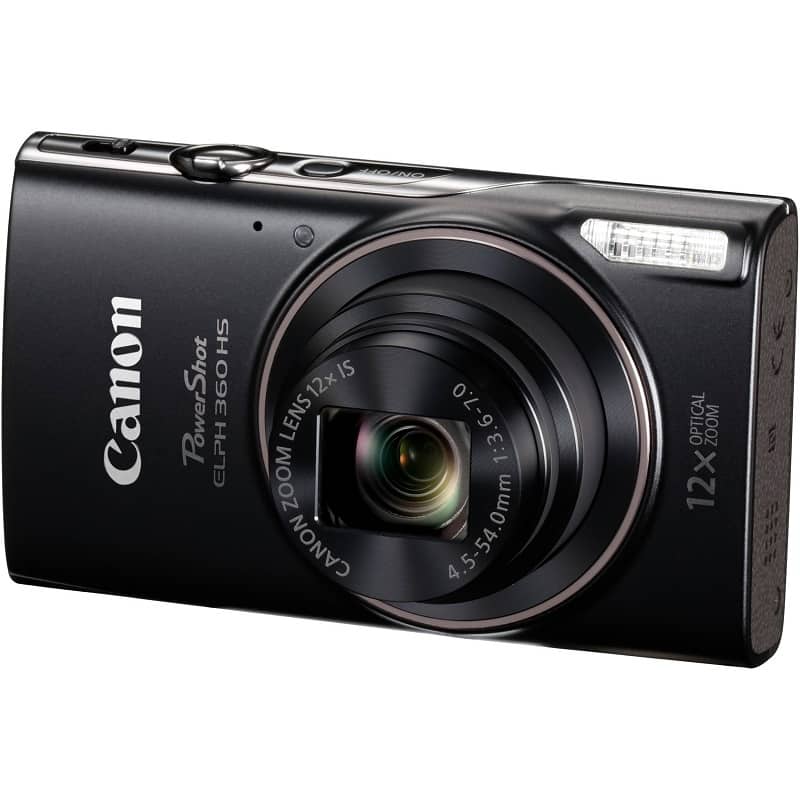
Cameras in the Canon PowerShot and Sony ZV families sit in a practical sweet spot between smartphones and DSLRs. They're built with video-first features and deliver consistent results without much technical knowledge required.
Pros:
Cons:
If your channel covers travel, outdoor adventure, or hands-on gear testing, an action camera may suit you better than a traditional body. Our review of the TomTom Bandit action camera offers a practical look at what this camera category actually delivers in real conditions.
Pros:
Cons:
Budget is often the deciding factor — and there's a broad range of what "affordable" actually means in this space. Here's a realistic look at what each spending level gets you.
| Budget Tier | Price Range | Typical Options | Best For |
|---|---|---|---|
| Entry | Under $400 | Canon PowerShot ELPH, Sony ZV-1F, flagship smartphones | Absolute beginners, casual creators testing the waters |
| Mid-Range | $400–$900 | Canon G7 X Mark III, Sony ZV-E10, Canon Rebel T8i | Growing channels, vloggers, tutorial creators |
| Advanced | $900–$2,000 | Sony A6600, Fujifilm X-S20, Canon EOS M50 Mark II | Monetized creators, brand partnerships, semi-professional work |
| Professional | $2,000+ | Sony A7S III, Canon EOS R5, Blackmagic Pocket 6K | Commercial production, cinema-quality output, client work |
The camera body is rarely your only expense. A complete functional setup typically requires several additional items:
A realistic, functional beginner setup — camera, mic, basic lighting, tripod, and cards — typically runs $700–$1,200 total, even when the camera body itself costs under $500. Plan for the full system, not just the camera.
The Canon PowerShot G7 X series and Sony ZV-1 are among the most popular entry-level choices. Both are purpose-built for video, compact, and include flip screens for solo filming. Many creators also start with their smartphone before investing in dedicated gear.
No. High-quality 1080p footage looks excellent on most devices and is easier to edit and export. 4K becomes more valuable when you want to crop in post-production or deliver future-proof content. Don't wait for a 4K camera to start creating.
Both work well for YouTube. Mirrorless cameras tend to offer more compact designs and increasingly better video-specific features like continuous autofocus and no recording time limits. DSLRs still deliver excellent value, particularly in the used market. The best option is whichever fits your budget and shooting style.
An external microphone. Audio quality has a more immediate impact on viewer retention than video resolution. Pair even a modest mic with decent lighting and your production will feel professional well before you need to upgrade the camera.
Yes — and many successful channels do exactly that. Newer Rebel models offer 1080p video, Dual Pixel autofocus, and articulating screens. They're a solid, well-rounded option for standard YouTube production at an accessible price point.
The best YouTube camera is the one you'll actually pick up and use — start with what you have, fix the real bottlenecks first, and upgrade only when your content genuinely demands it.


About Editorial Team
The DigiLabsPro editorial team covers cameras, lenses, photography gear, and creative technology with a focus on helping photographers make informed buying decisions. Our reviews and guides draw on hands-on testing and research across a wide range of equipment, from entry-level beginner kits to professional-grade systems.
You can get FREE Gifts. Or latest Free phones here.
Disable Ad block to reveal all the info. Once done, hit a button below
